Media text variants
Internal verification page for media type, text position, background, gallery, links, lightbox, and rich text states.
Media Text / Natural / Text Left / Image
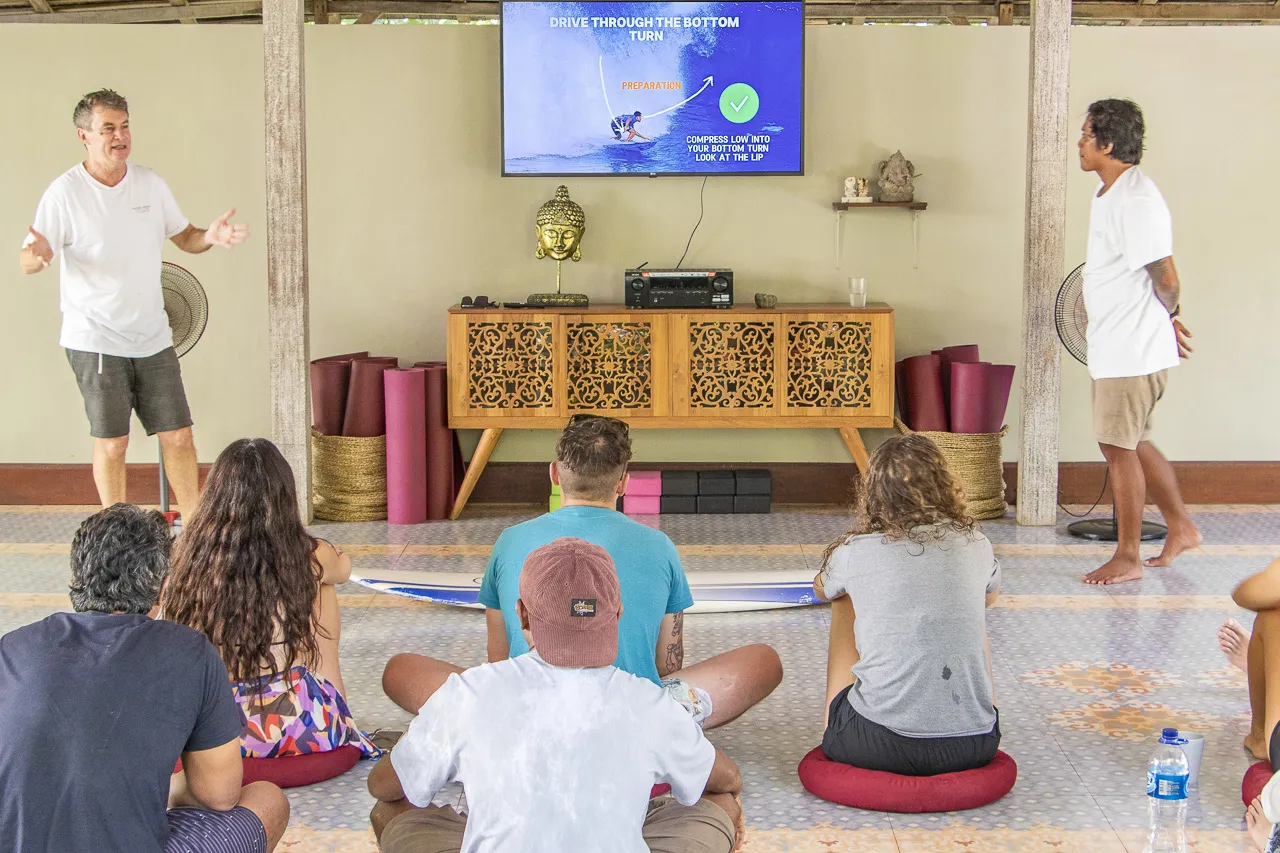
Image media with natural background
This checks the default background, left-side copy, external image link behavior, and RichText link treatment with an external text link and an internal anchor.
- Paragraph rhythm
- List rhythm with a longer line that wraps on mobile
- Link styling inside list context
Media Text / Linen / Text Right / Gallery
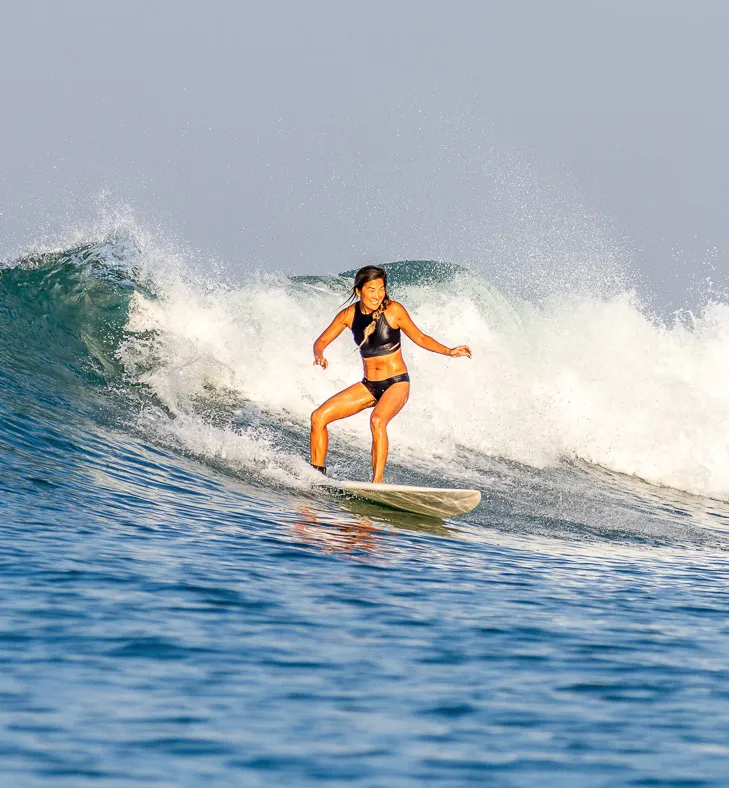
Image media with inline gallery
This checks right-positioned copy, the linen background, a normal image media block, and all gallery link modes: YouTube lightbox, video file lightbox, external navigation, and internal fragment navigation.
Gallery copy heading
The gallery should keep a stable rhythm below text content and stack cleanly on narrow screens.
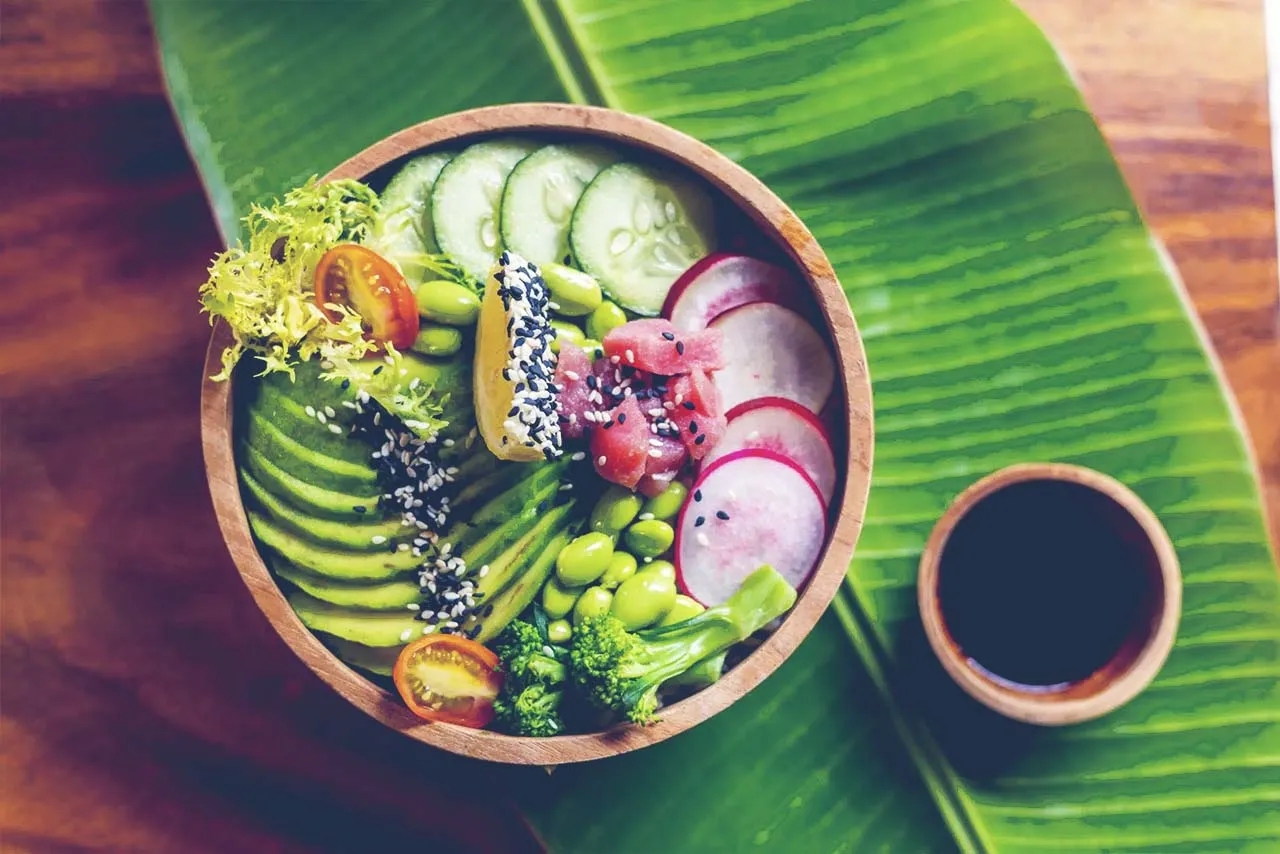

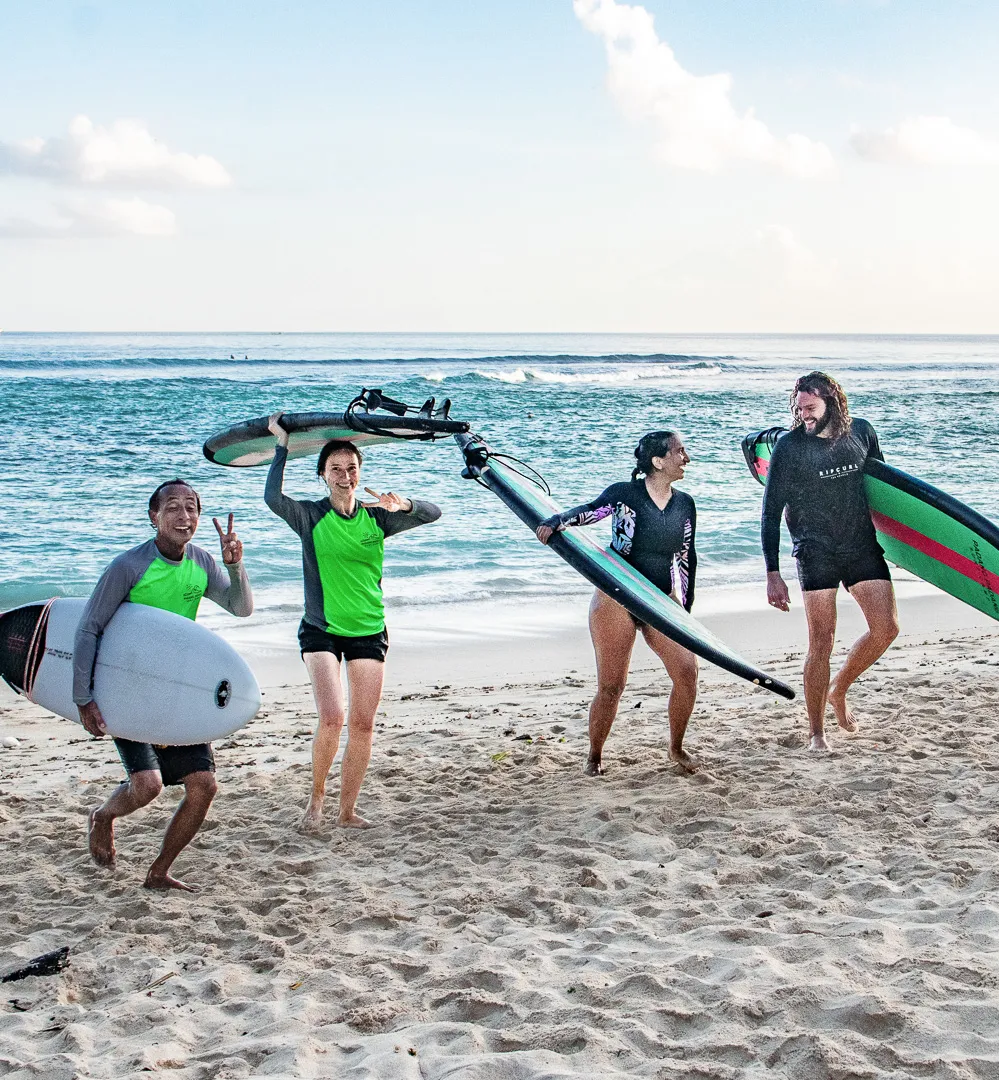
Media Text / Sand / Image Carousel
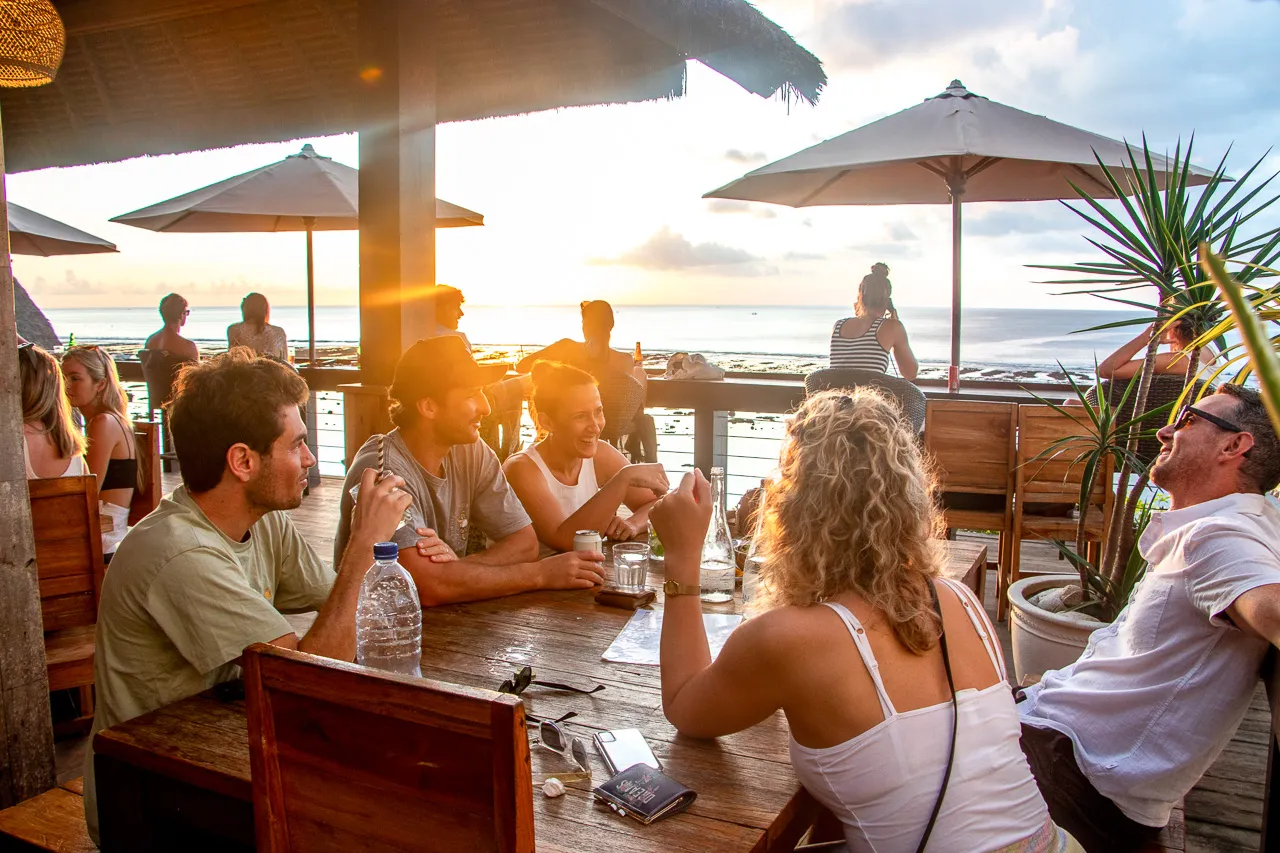
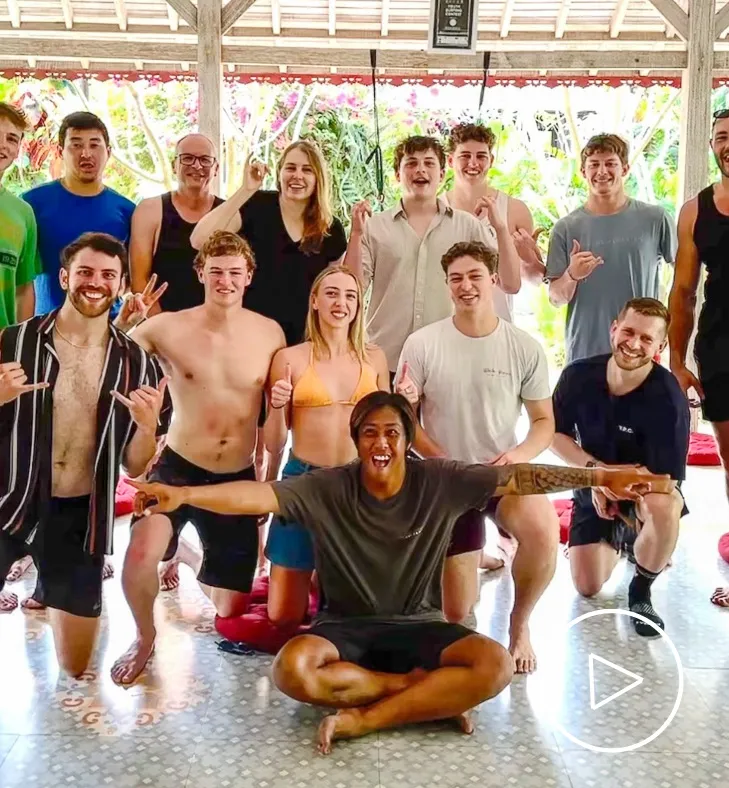
Square image carousel media
This checks the media-side image carousel. The visible images should stay square, autoplay should advance the carousel, captions should overlay the image, and clicking an image should open the PhotoSwipe gallery.


Media Text / Dark / Image Carousel
Square image carousel media
This checks the media-side image carousel. The visible images should stay square, autoplay should advance the carousel, captions should overlay the image, and clicking an image should open the PhotoSwipe gallery.
Media Text / Sand / Text Right / Video Lightbox
Image media opens video lightbox
This checks a linked image that opens a direct video lightbox. The image should use the zoom cursor and keep the pill-shaped media frame.
Media Text / Shoreline / Text Left / YouTube
Embedded YouTube media
This checks the YouTube media layout, shoreline background, iframe aspect ratio, and responsive stacking behavior.
Heading inside RichText
Copy under the heading should retain proportional spacing and readable line length on mobile.
Media Text / Dark / Rich Text
Dark section with rich text
This checks text, internal links, buttons, and muted copy color on a dark section. Return to the first media variant.
- Dark background list item
- A second item with bold emphasis
- A third item with an external link
Media Text / Natural / YouTube Lightbox
Image media opens YouTube lightbox
This final variant checks an image linked to a YouTube watch URL. It should become a lightbox trigger without opening a new tab.